SMBAct puts every window where you want it, from the keyboard

A window manager and switcher for Windows, macOS and Linux: snap windows into layouts with hotkeys, jump to any window by typing a few letters, move windows between monitors, and let your AI agent arrange them through a local MCP server.

  • Windows
  • macOS
  • Linux, incl. GNOME and KDE on Wayland

14-day free trial with full functionality, no credit card required. Then a one-time license: pay once, use it forever, 1 year of updates included.
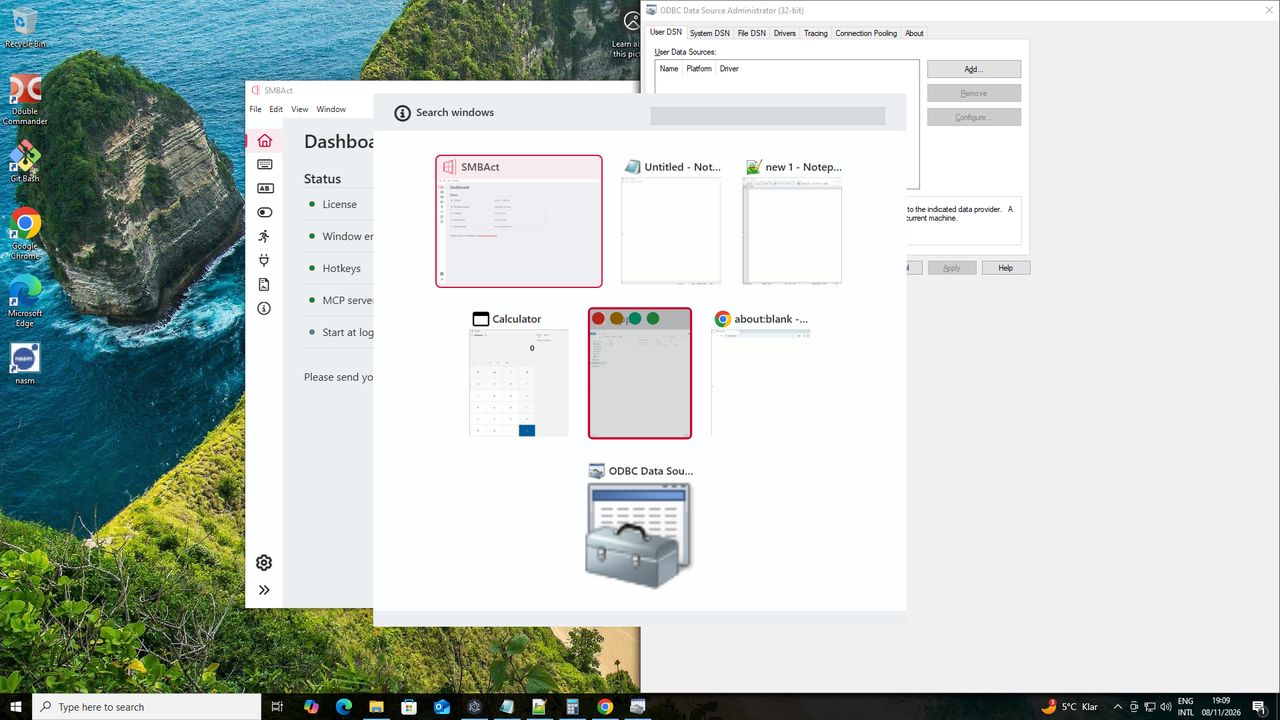
SMBAct's switcher on Windows: thumbnails of the open windows with a search field

Why SMBAct

One app for sizing, placing and finding windows, with the same ideas on every desktop.

Layouts on hotkeys

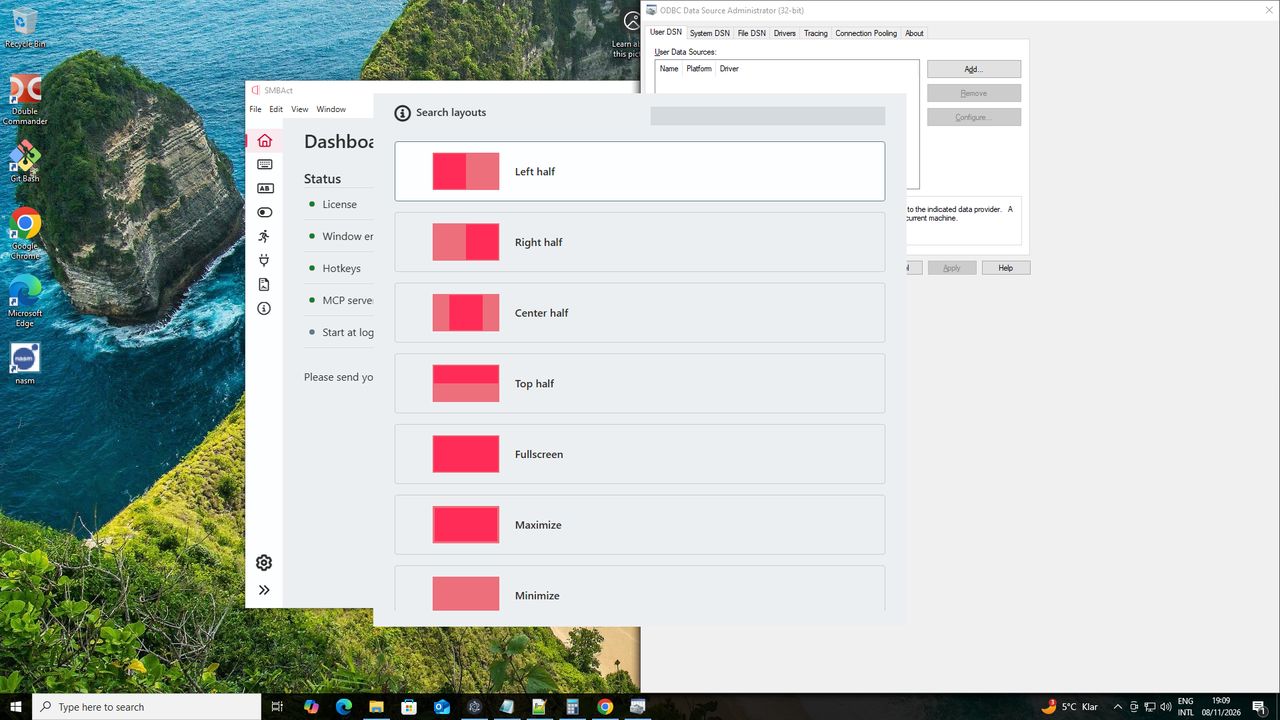
Halves, thirds, quarters, centre and full screen, each on a shortcut. Press the same shortcut again to cycle through sizes.

Keyboard control

Switcher with fuzzy search

Open the switcher, type a few letters of any window or app and press Enter. Minimize, close or make a window full screen from the same place.

Actions popup

No shortcuts to memorize: open the popup on the active window, type “left half” and press Enter.

Made for several monitors

Move windows between displays in a keystroke, activate windows on the active display or under the mouse pointer, hide all windows on the active display only.

Move a window to another monitor

AI agents can arrange windows

A local MCP server in the app, off until you turn it on, lets Claude Code, Codex, Cursor and other MCP clients list your windows and lay them out.

SMBAct for AI agents

Who it's for

  • Developers, designers, writers and analysts who juggle an editor, a browser, terminals and chat all day.
  • Anyone with two or three monitors, or one laptop screen that has to make room for everything.
  • People who work on more than one system: the 3-device license can cover any mix of Windows, macOS and Linux computers.
  • Anyone who would rather keep their hands on the keyboard than drag windows with the mouse.
SMBAct's layout search on Windows: left half, right half, center half, top half, fullscreen

All SMBlob products

SMBlob makes productivity and creativity tools: SMBAct for your windows, SMBImg for screenshots and images.

SMBImg

Be individual and creative. Create & Post your screenshots and images in your own style.

Fast and simple way to convert images and take a screenshot


Create screenshot!

SMBAct

Cross-platform window manager and switcher for Windows, macOS and Linux: size, position and find windows with hotkeys.

Layouts, fuzzy search, multi-monitor and AI agents via MCP. Try it free for 14 days.


Manage windows!

Get in Touch

Let's Contact Us

If you have a question please do not hesitate to contact us.

Complete the form.